
Agents write. Nobody reads. See what the feature does, in seconds.
Before you ship, your coding agent captures a narrated walkthrough. Your team draws on the screen to say “no.” Customers get curated release notes.
No credit card required.
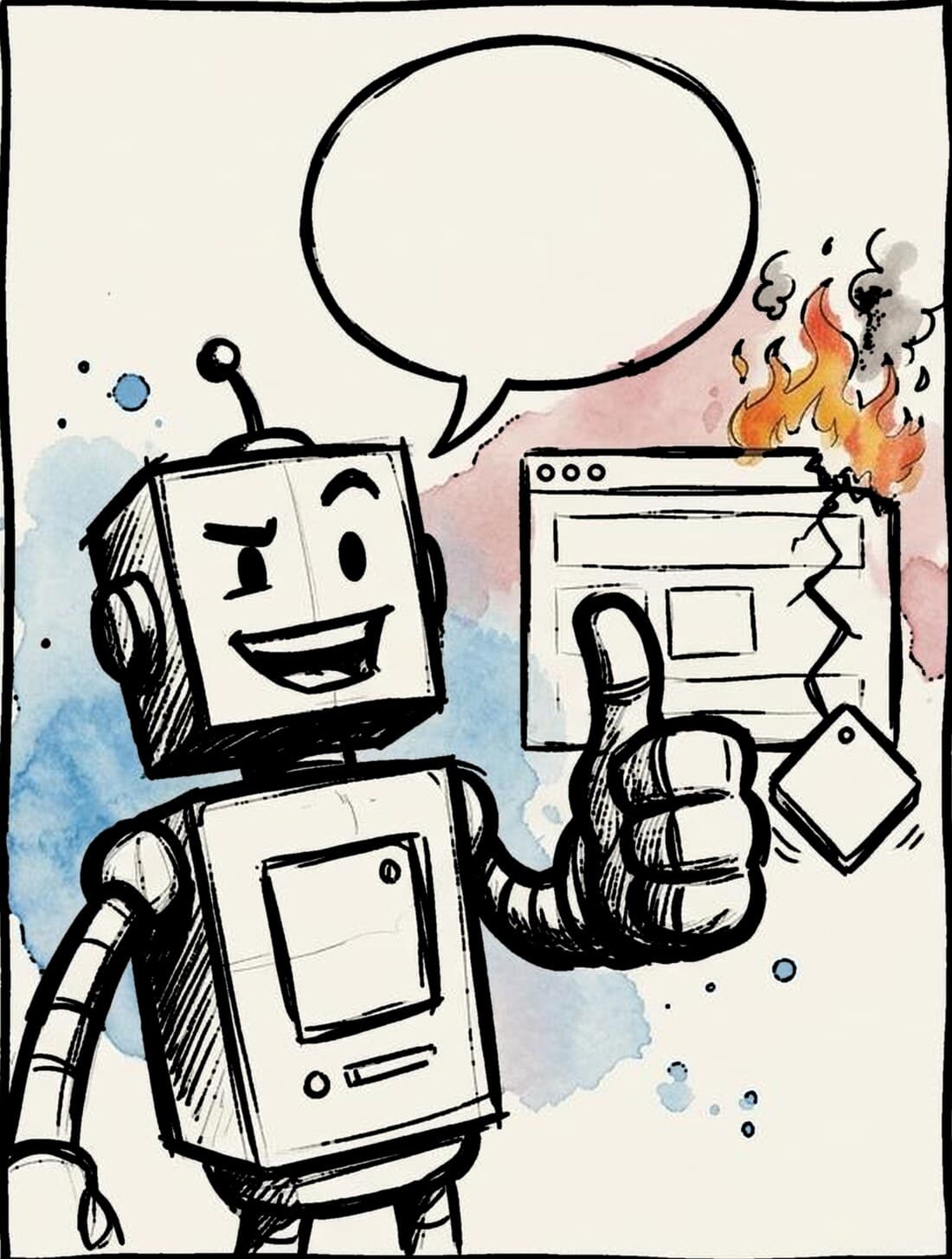
 REALLY. TRUST ME!
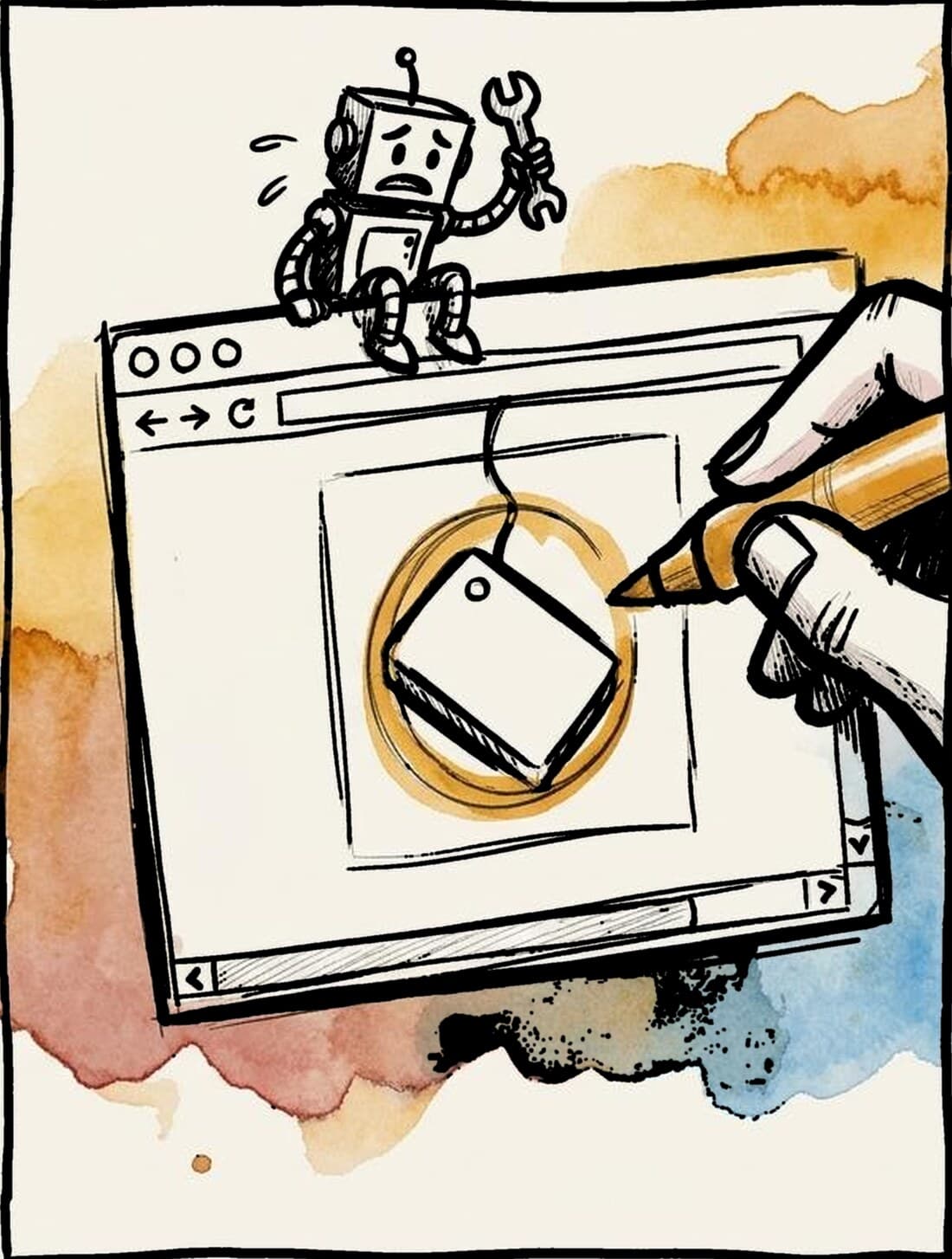
 REALLY. TRUST ME!
Anthropic, “Redesigning source control” · read the article ↗
Anthropic · Research
“Our team members still review every change request for the system, but they now examine the intent of the change as opposed to reading every line of code.”
read the paragraph at the source ↗For your teamYou can't see intent in a diff, but you can watch it: every change becomes a narrated walkthrough of what it actually does.
Anthropic · Research
“Very often, we found that the role of the engineers was to tell Claude “no.””
read the paragraph at the source ↗For your teamAnyone on the team says “no” by drawing on the screen, and that comment goes straight back to the agent to fix.
Anthropic · Research
“…we suspect it won’t be too long before others who use AI coding tools experience these same pressure points…”
read the paragraph at the source ↗For your teamMerging is already the easy part for you. The pressure point is review and telling people what shipped.
Onboard your agent.
Three steps: see it work on your own app, fix something with it, then bring your team in.
You sign in with your browser once. There's no key to copy.
Other ways to connect →Set up
Paste this into your coding agent, in your repository. It asks you a few questions, then hands you the link to your first walkthrough.
Set up Showboat for me. Fetch https://showboat.show/install.md and follow it.Fix something small
Circle something small on your walkthrough, right on the screen. Then tell your agent:
Pull the open comments on my Show and fix them.Tell your team
Once you've seen it work, bring your team in. Your agent offers a short update with the link, and helps you invite the people you name.
Questions
What is Showboat?
Showboat is where your team and your clients see what your coding agent built, before you ship. The agent captures narrated screenshots of each feature, people draw on the screen to point at what's off, and the agent fixes it. Showboat (showboat.dev, with the app at showboat.show) is not Simon Willison's open-source showboat CLI.
How is it different from a screen recording or a pull request description?
A walkthrough is one screenshot per screen, each with the agent's own explanation. You point at the exact spot that's wrong, and the agent picks it up as a task. Each new capture shows which screens changed, so reviewers only look at what's new.
Which coding agents does it work with?
Any coding agent that can fetch a web page and connect a remote MCP server. Paste the setup prompt, and the agent does the rest.
Do my clients need an account?
Clients you invite as Guests sign in with an email link or Google, for free, and only see what your team marks Client-ready. Your Newsreel, the release notes for your clients, needs no account at all.
What does it cost?
EUR 3.99 per seat per month, or EUR 39.90 per year. Guests and agents are always free. 14 days free, no credit card required. Prices exclude VAT.
Does Showboat see my code?
No. Your agent runs in your own repository and sends only the screenshots, the text it writes, and a few details such as the commit it was built from. Showboat runs no AI on your data and stores it in the EU (Ireland).
Try it for free. No credit card required.
Your agent does the AI work, on your own subscription.
Showboat only stores, shows and routes it. So a seat stays small.
Or EUR 39.90 per seat per year: two months free. Guests and agents are always free. 14 days free. Prices exclude VAT.